 LIVE
LIVELecture in an auditorium
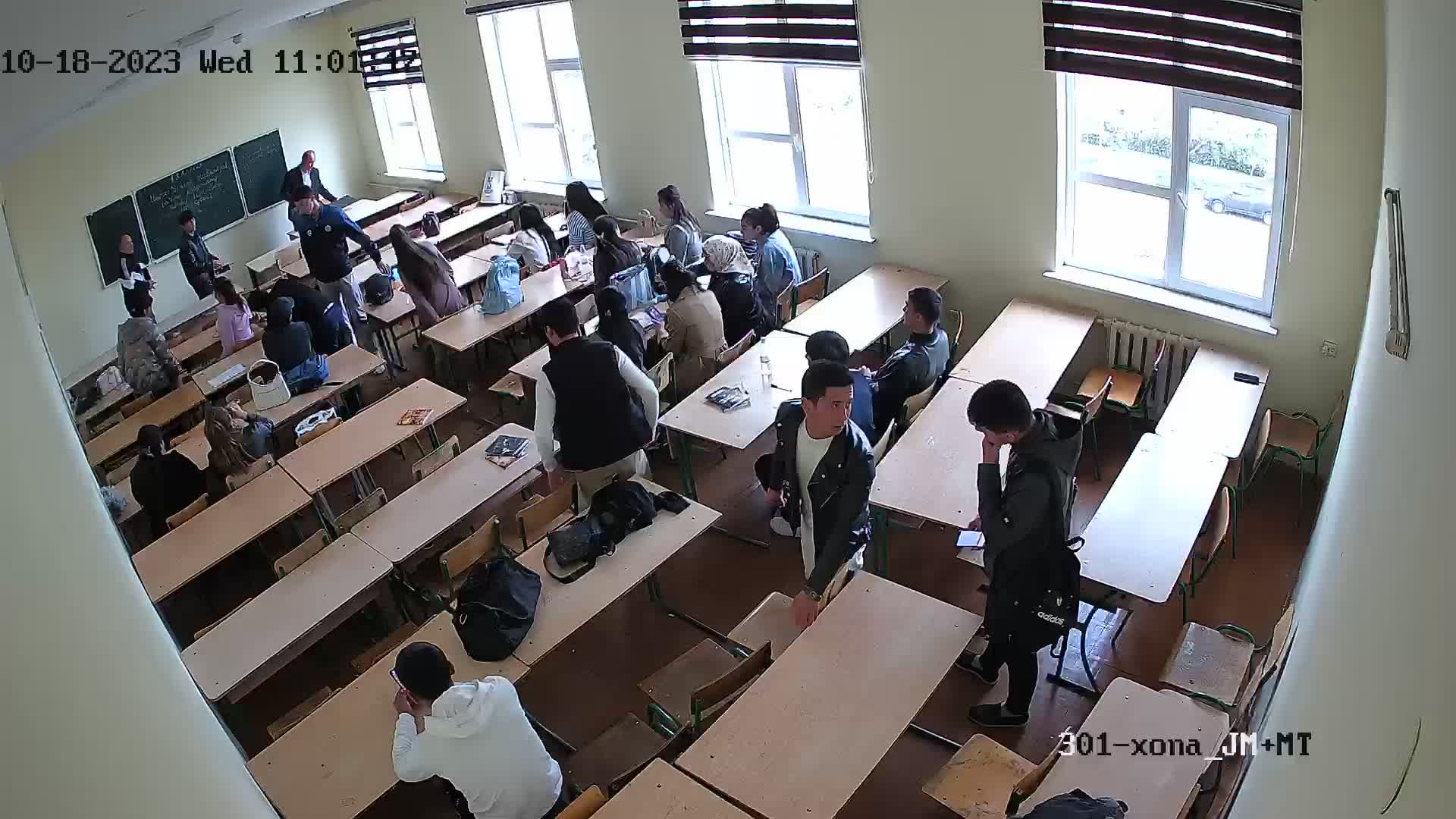
A wide shot of the lesson at the board for remote participants
rtsp.me turns the stream of an existing IP camera into a broadcast that can be opened by link or embedded in the website of an institution, a course or a company.
Participants watch in the browser on a computer, smartphone or tablet without installing a separate app.
Start a lecture streamNot every participant can be in the room in person. A live stream helps you include people from other cities, staff from remote offices, students learning from home and anyone who cannot travel for the time being.
A single permanent camera in the room suits regular lectures and lessons covered by a wide shot. The teacher does not have to rebuild the streaming setup before every session, and viewers get a familiar page to watch on.
A single overview camera in the room shows the teacher, the board and the working area. The field of view is chosen to match the format: a lecture, written work, a school class or a conference hall.
LIVEA wide shot of the lesson at the board for remote participants
 LIVE
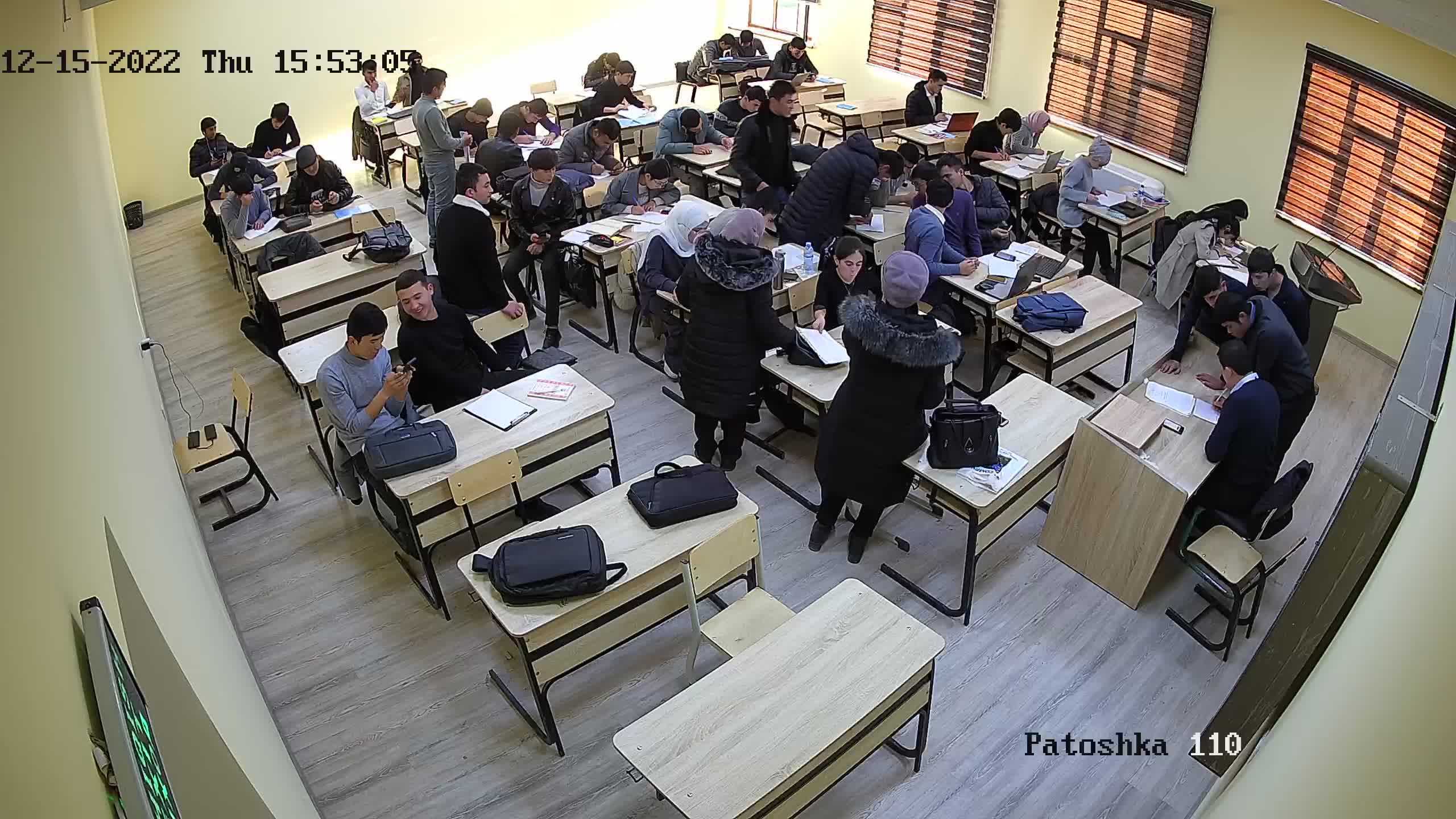
LIVEAn overview of a large room during written work
 LIVE
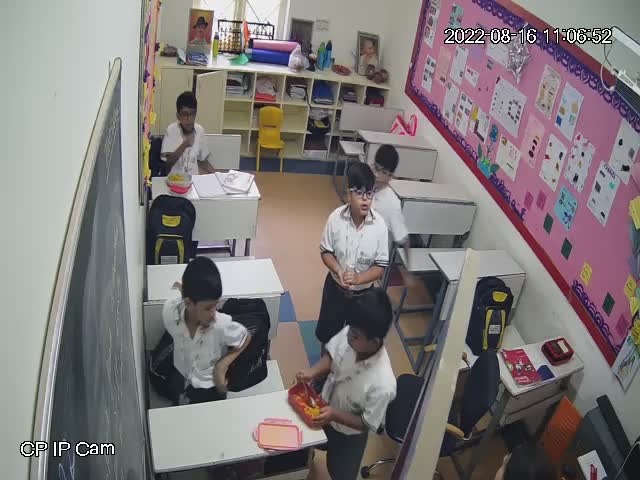
LIVEA primary school lesson from a safe wide field of view
 LIVE
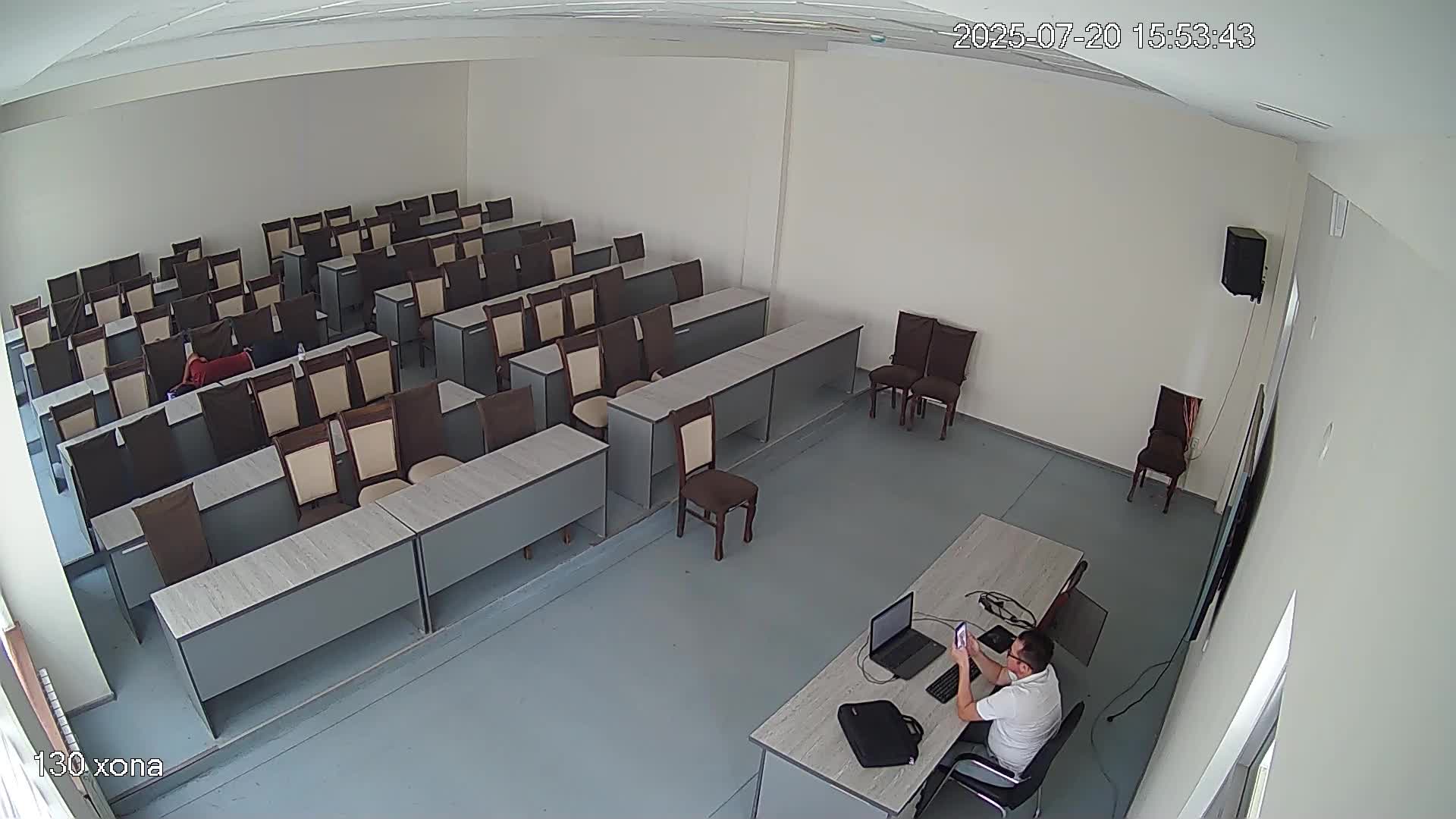
LIVEThe readiness of the hall and the speaker's position before the talk
The format is especially convenient for events with one main speaker and a fixed field of view. For practical work, make sure in advance that the camera shows the demonstration bench, the board or the equipment in enough detail.
For an educational stream, intelligible speech usually matters more than the highest possible video resolution. Check that the microphone is close enough to the teacher, does not pick up a strong echo and delivers a compatible audio track within the RTSP stream.
An open lecture or conference can be placed on a public page. An internal lesson, a paid course or a corporate briefing should be shown only to the intended audience.
The detailed options are collected in the guide “How to protect a stream from copying”.
A cloud archive lets you return to a lecture once the broadcast is over. Participants can go over a difficult topic again, catch up on a lesson they missed or prepare for an assessment.
The organization itself decides the retention period, who may use the recordings and the rules for publishing them. Before switching the archive on, take account of teachers' rights to their materials, the consent of participants and the applicable requirements for processing images and voices.
More about recording and retention periods: “Cloud video surveillance from IP cameras”.
Schools, colleges, universities and continuing education centers can bring the cameras of several rooms together in one account. Each camera gets its own stream and a suitable access mode.
Public lectures can be placed on the institution's website, while the lessons of a particular group stay closed to outside viewers. Monitoring helps the member of staff in charge spot a lost signal before the event starts.
A stream must not be used for covert observation of teachers or students. The purpose of the recording and the rules for access and retention must be defined in advance and communicated to everyone involved.
Companies can stream training from head office to branch offices, introduce staff to equipment and hold general information meetings without every participant having to travel.
Confidential information, screens of internal systems, documents and personal data must not appear in a public broadcast. Use protected access for internal training.
Preparing the camera and placing the player are described in detail on the pages “How to create a live stream on a website” and “How to embed a stream on your website”.
A fixed IP camera gives a steady wide shot and suits a regular lecture. A more complex event may call for a separate video production setup.
Extra equipment or a software video mixer is needed when you have to:
The rtsp.me player is responsible for delivering the connected video stream to viewers, but it does not replace a video conferencing system with two-way communication.
Connect the IP camera in the room, place the player on your website and keep important lectures in a cloud archive.
Create an educational stream