 LIVE
LIVEQuay and harbour
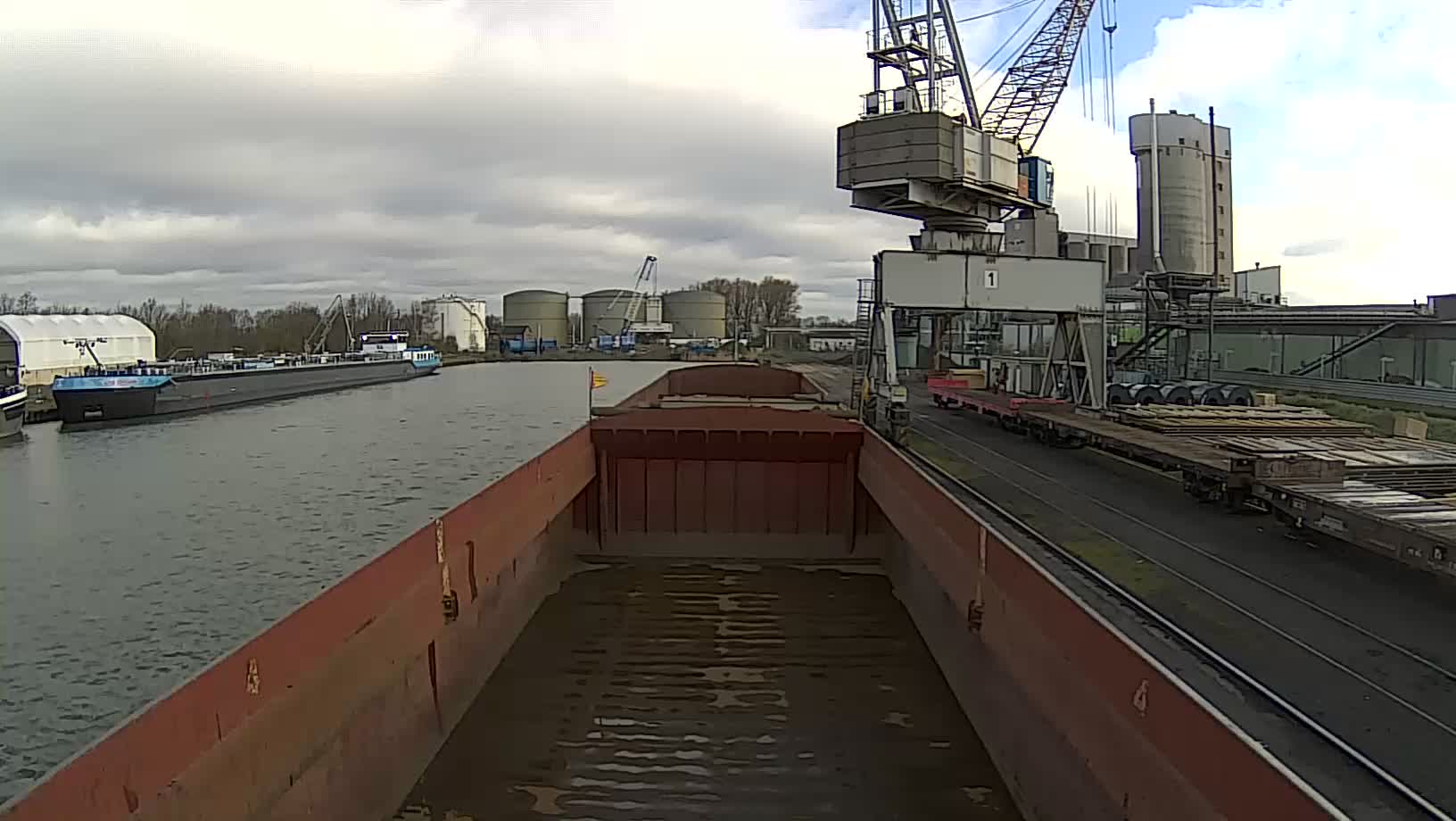
A current view of the quay, the vessels and the harbour.
A live panorama lets passengers and visitors see the actual weather, visibility and general situation at the quay.
rtsp.me delivers the RTSP stream of an existing camera to the browser and to your website, while operational angles can stay private.
Connect port camerasA stream adds a real picture to your timetable and reference information. It is useful for passenger terminals, marinas, river stations and excursion quays.
A visitor only sees one particular angle, so decisions about a sailing are made from official announcements.
Private cameras can be used for remote viewing by a handful of responsible staff.
Public shots are chosen so as not to reveal restricted processes or security measures.
Cargo operations, access control and operational documents are not shown publicly.
A live wide shot of the quay shows mooring, crane work and the situation in the harbour.
LIVEA current view of the quay, the vessels and the harbour.
The service combines publishing with camera oversight.
Agree on a safe angle and check the RTSP stream.
Public and private streams are configured separately.
A live view makes the terminal's website more useful and answers the common questions about visible weather and conditions.
The link can be shared with passengers and partners, and cameras from several facilities can be collected in one account.
Timetables, tickets and enquiries are handled by the port's own system; the video simply complements it.
The archive lets you review events within the field of view over a chosen period, subject to your retention rules.
rtsp.me notifies you if the signal is lost, so a staff member can check the network, the power or the camera.
Access to recordings is granted only to authorized users.
A public angle must not reveal restricted zones, documents, faces in close-up or access control details.
The operator is responsible for the lawfulness of filming, for site security arrangements and for archive access.
Connect your existing RTSP cameras and add a safe panoramic view to your website.
Keep public and operational streams apart, and use the archive and signal monitoring.
Create a port stream