 LIVE
LIVEProduction area
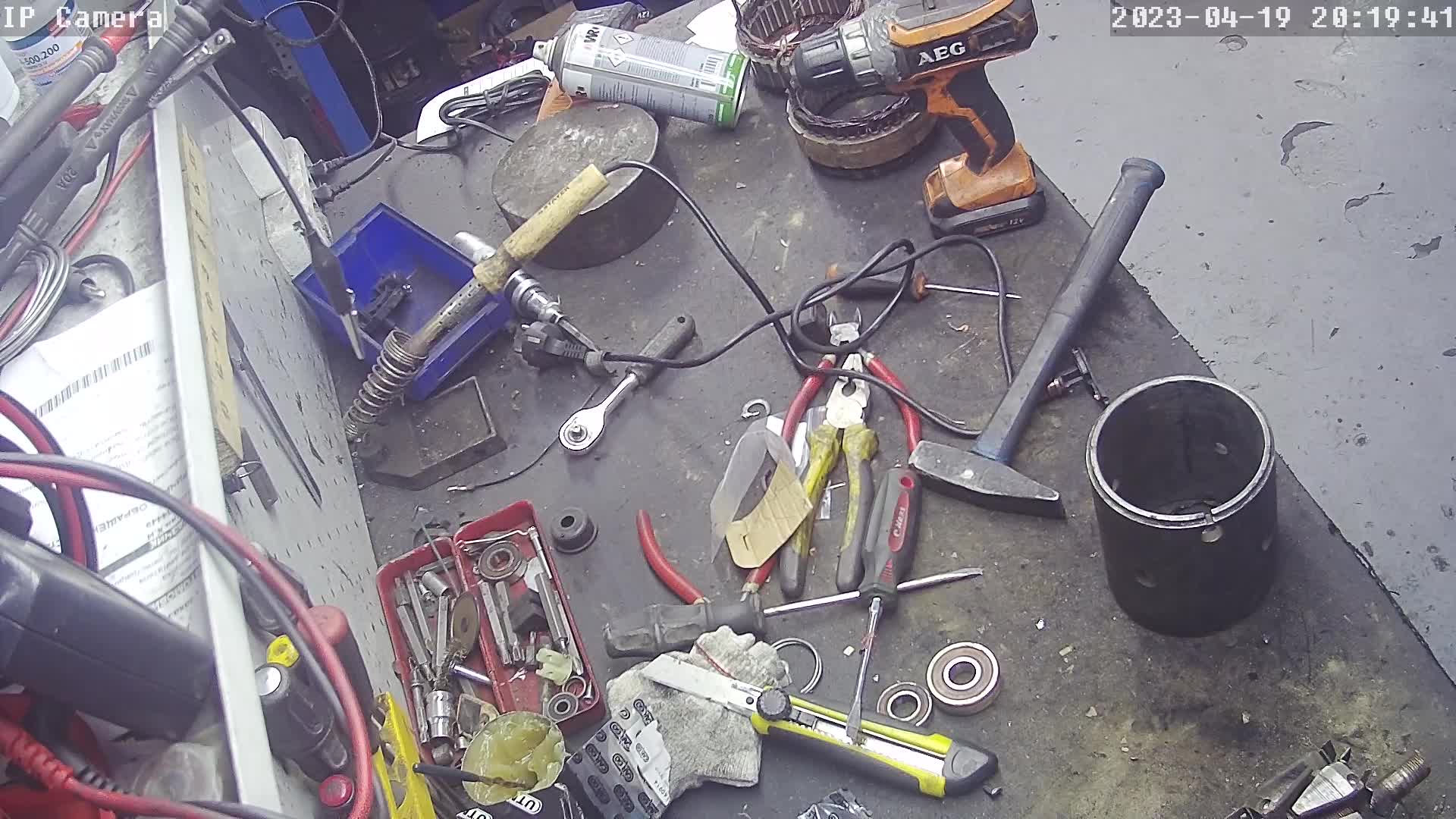
A current wide view of the area and the progress of work.
rtsp.me opens the streams of existing IP cameras in a browser, on a computer and on mobile devices. The person in charge can judge the general situation in the workshop, at packing or at dispatch without logging into separate recorders.
The archive helps work through the visible sequence of events, and monitoring reports the loss of signal. Video stays a supporting source: it does not measure process parameters and it does not control production.
Connect production camerasA wide shot shows work-in-progress building up, whether the handover area between operations is clear and whether work is under way at a remote area. Watching gives a manager context before ringing the shift supervisor.
A recording can be matched against the production order, the downtime log and equipment data. The causes of a stoppage and the quality of the product are established from verified data and inspection by specializts, not from the picture alone.
A compatible camera with an accessible RTSP stream is connected to rtsp.me without having to replace your surveillance system. The common H.264 and H.265 codecs are supported, and the local recorder can carry on with the main recording.
Before connecting, check the network, time synchronization and the field of view. Panels showing access secrets, design documentation and protected process details must stay out of shot.
A live wide shot of an area shows how the work is going and how loaded the line is, without a trip to the workshop.
LIVEA current wide view of the area and the progress of work.
One service covers viewing and oversight of the cameras across several production sites.
Choose the fields of view that are useful for management and permitted under the plant's security rules.
Once it is live, check access from work and mobile devices and decide who receives the notifications.
Cameras are chosen around a real management need:
For hazardous operations a camera serves only as an extra view and is never used to grant access or to control anything remotely.
Consistent camera names make it quick to compare similar areas and check the situation before an operations meeting. Access can be divided along organizational lines: site managers see their own site, while the central team sees an agreed set of streams.
Watching is useful for communication, but conclusions about output are drawn from the record-keeping systems, from quality control and from equipment data.
The cloud archive keeps video for the period you choose and lets you go back to the moment of a stoppage, a changeover or a batch handover. The recording is matched against the exact time in SCADA, in the logs and in the work orders.
rtsp.me notifies you if the video signal is lost. That gets a check started sooner, but it does not repair the camera and does not replace scheduled maintenance of the network and the video system.
Private streams are not published. Fields of view are agreed against health and safety, trade secret and personal data requirements, and the archive is available to a minimal group of staff.
Video does not replace SCADA, process control systems, sensors, interlocks, fire and emergency systems, quality control, maintenance or people. A picture cannot be used to confirm that a machine is in a safe state or that process parameters are within limits.
Connect the existing cameras in your workshops and remote sites for private viewing, an archive and signal monitoring. Start with the fields of view that give clear context to your working data.
Get the visual picture sooner, while automation, procedures and specializts keep their key role in management and safety.
Set up workshop cameras