 LIVE
LIVEOpen space
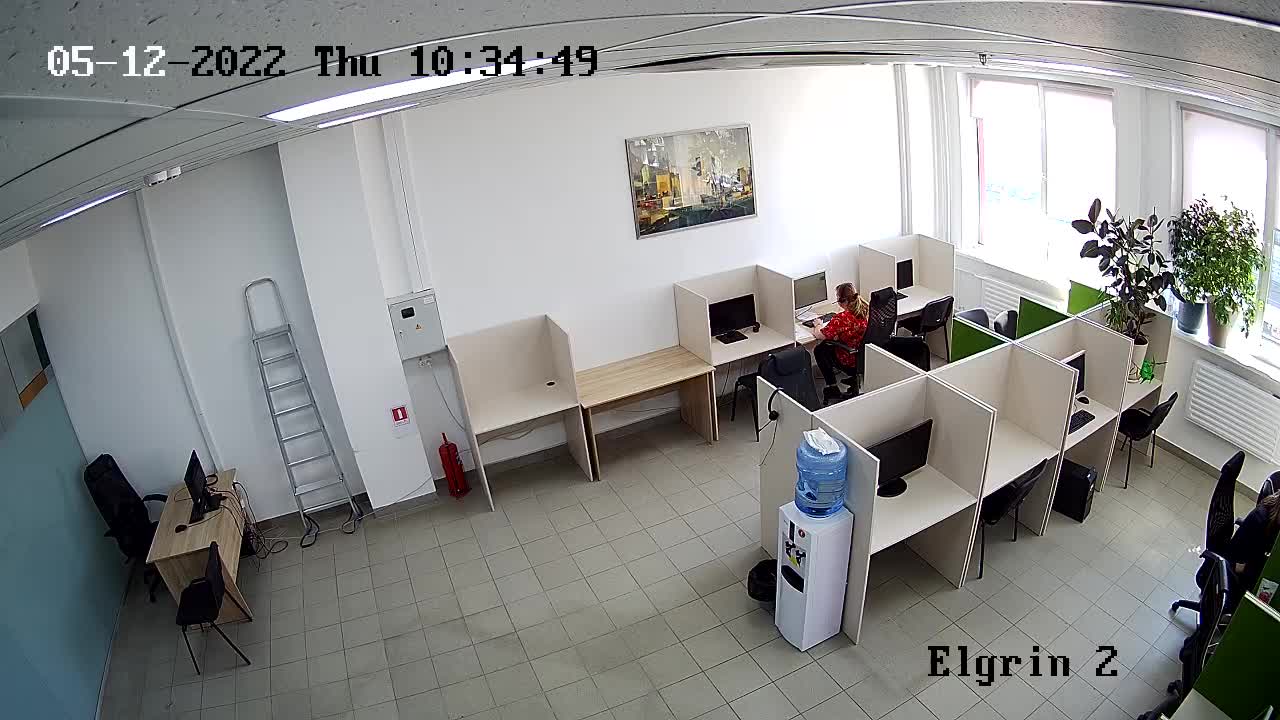
Current occupancy of desks and meeting areas.
rtsp.me connects existing IP cameras and delivers video to the browser. The manager sees the entrance, the open space and several sites, while a resident can judge an acceptable general view of free areas before traveling in.
A live stream complements the coworking service but does not replace bookings or the access control system. Membership authorization, access to a particular branch and confirmation of a free desk are handled by your website or internal system, while rtsp.me provides the video and the player.
Connect a coworking spaceA neutral wide shot helps people understand how full a shared area is, whether the site is open and whether the kitchen or lounge is available. It does not show the exact number of free seats: some desks may be booked or out of frame.
The manager oversees opening up, the state of shared spaces, queues at reception and several branches. Video speeds up the response to organizational situations, but it does not measure how productive people are and must not be used to watch what is on their screens.
Clear occupancy helps distribute footfall between sites, while private back-of-house cameras give administrators a single operational overview.
A suitable IP camera with an RTSP stream can be connected without replacing the recorder. For resident viewing, pick a wide shot in which screens, documents and whiteboard notes cannot be read; security fields of view stay private.
Quality depends on the source camera, the light, the codec and the network. Cloud delivery does not fix blind spots and does not confirm that a desk, meeting room or parking space is actually available.
Test mobile viewing and check regularly that the interior has not changed in a way that brings confidential material into frame.
Do not point cameras at screens, documents, phone booths or meeting rooms. Video must not reveal a particular person's presence or the subject of their work without a proper basis.
A live wide shot helps a resident judge free seats and how busy the room is before setting off.
LIVECurrent occupancy of desks and meeting areas.
The archive is useful for reviewing events at the entrance and in shared areas. Keep recordings only for as long as necessary, separate permissions and use them alongside access logs rather than as a replacement for your record systems.
Monitoring reports a lost stream and helps you check power, the internet connection or the camera. It does not count people, does not determine bookings and does not guarantee continuity if the local network fails.
Post the required notices, establish a legal basis, switch audio off and do not publish identifying shots. Password protection is useful, but it does not remove the need for account management and access revocation on the business side.
Connect suitable shared-area cameras and give managers convenient private viewing with an archive and alerts.
Prepare a separate neutral field of view for residents, and leave membership access and bookings to the coworking system.
Connect cameras