What the RTSP protocol is
RTSP stands for Real Time Streaming Protocol. It is used by IP cameras, video recorders and media servers to control a video stream.
RTSP lets a client find the stream it needs, agree how the data will be delivered, start viewing and end the session cleanly.
Check an RTSP link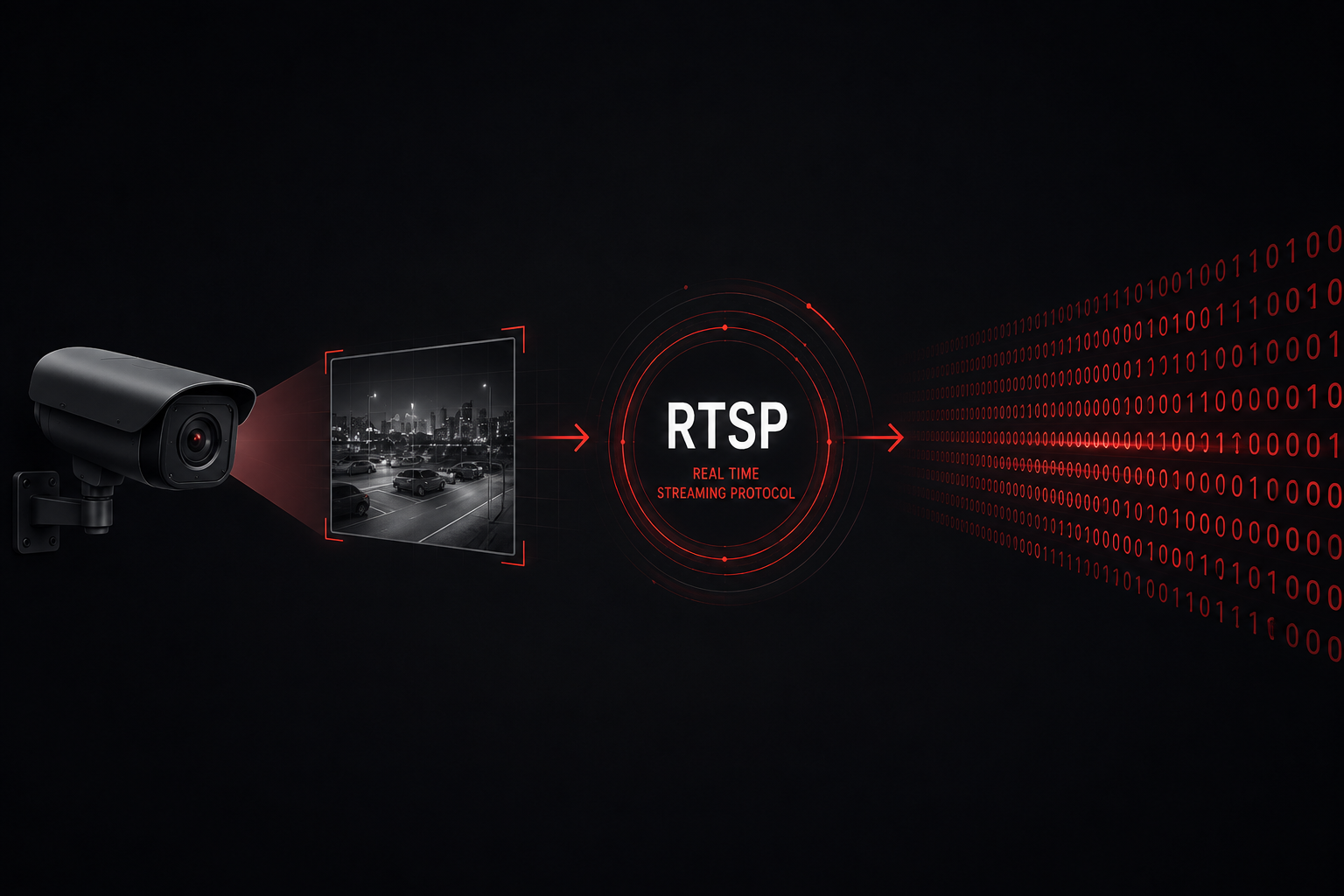
RTSP in plain words
RTSP can be compared to a remote control for a video stream. It carries the commands: request information about the video, prepare the connection, start playback, pause it or stop it.
RTSP itself is not a way of compressing a picture. The video is usually encoded by the camera as H.264 or H.265, and the media packets are often carried by the RTP protocol.
RTSP — controls the session
RTP — carries the media packets
Where RTSP is used
The protocol is widely used wherever a live stream has to be pulled from a specific source:
- IP camerasLive video from a local network or over the internet
- Video recordersStreams of individual NVR and DVR channels
- Surveillance systemsConnecting cameras to a VMS and viewing software
- Media serversReceiving, processing and republishing video
Most professional IP cameras support RTSP, but on consumer cloud models the protocol is sometimes missing or switched off by default.
How the connection is established
When connecting, the client and the camera go through several steps in sequence:
- Connection. The client reaches the camera's RTSP address, usually over TCP port 554.
- DESCRIBE. The client requests a description of the stream: the available video and audio, the codecs and the parameters.
- SETUP. The two sides agree on the transport — for example RTP over UDP, or RTP embedded in the RTSP connection over TCP.
- PLAY. The client asks for the media stream to start.
- TEARDOWN. When viewing is over, the client ends the session and releases the resources.
The camera may also require authentication. The client then sends the username and password in the way the device supports.
What an RTSP link is made of
A typical link looks like this:
- rtsp:// — the protocol in use;
- login:password — the credentials of a camera user;
- ip-address — the local or public address of the device;
- port — the RTSP port, often 554;
- stream-path — the path to the channel and the chosen stream.
The path depends on the manufacturer, the model and the firmware. Examples for popular brands are collected in the guide “Where to find your camera's RTSP link”.
Main and sub streams
One camera can provide several streams with the same field of view but different parameters:
- The main stream — higher resolution and bitrate; suited to the archive and to examining detail.
- The sub stream — lower resolution and bitrate; needs less bandwidth and is often more convenient for an online stream.
Each stream can have its own RTSP path. The ending of the address or a profile number, for instance, determines which stream the camera returns.
RTSP over TCP and UDP
After the SETUP command, the media data can be delivered in different ways.
RTP over UDP
UDP gives low latency, but individual packets can be lost. Additional dynamic ports may be used for delivery, which makes working through NAT and a firewall more difficult.
RTP over TCP
The media packets travel inside the TCP connection that has already been established. This mode is easier to pass through routers and firewalls, and lost data is re-delivered, but on a poor network the latency can grow.
RTSP over TCP is often used for connecting cameras remotely over the internet.
Port 554 and access over the internet
The standard RTSP port is 554, although it can be changed in the camera settings. On a local network the client reaches the device's IP address directly.
For a server outside the network to connect to the camera directly, you normally need a public IP or DDNS and forwarding of an external TCP port to the camera's RTSP port.
Step-by-step examples for popular routers are given on the page “How to set up port mapping”.
With CGNAT a direct inbound connection does not work. In that case you can use MyVMS Bridge or RTMP Push without a static IP.
Why a browser does not open RTSP
Modern browsers usually have no built-in RTSP support and cannot play a link of the form rtsp:// as ordinary web video.
rtsp.me connects to the camera's RTSP stream, processes it and provides a web player in a browser-compatible format.
The ready-made player can be opened by link or embedded on a website without publishing the camera's original address and credentials.
RTSP, ONVIF, RTMP and HLS
These technologies solve different problems and can be used together:
- RTSPControlling the connection to a camera's live media stream
- ONVIFDiscovering, configuring and obtaining profiles of compatible devices
- RTMP PushOutbound publishing of a stream by the camera to a server
- HLSDelivering prepared video to a viewer through an ordinary web browser
ONVIF can help you obtain the RTSP address. RTMP Push is used when the camera sends the stream itself. HLS and other web formats come into play on the viewing side.
Codecs and camera parameters
An RTSP connection can carry video in various codecs. H.264 is recommended for a standard connection; H.265 is also supported by rtsp.me as a paid feature.
For a stable stream we recommend 25 FPS, a GOP of 50 frames — one I-frame every 2 seconds — and Smart Codec switched off. The details are given on the page “Recommended IP camera settings”.
RTSP security
An RTSP link often contains the camera's address and access credentials, so treat it like a password.
- create a separate camera user with the minimum rights necessary;
- use a strong, unique password;
- do not publish the original RTSP link on a website or in open chats;
- keep the camera and router firmware up to date;
- do not enable a DMZ and do not open unnecessary ports;
- restrict network access to the device wherever you can.
What RTSPS is
RTSPS is RTSP over a secure TLS connection. Its purpose is similar to that of HTTPS for websites: the authentication commands, the stream description and the session control all travel inside an encrypted channel.
The address of a secure stream begins with rtsps://:
rtsp.me supports connecting IP cameras and media servers over RTSPS. In the source settings, enter the full rtsps:// link and the port configured on the device.
What RTSPS protects
RTSPS encrypts the RTSP connection using TLS. If the RTP media packets travel inside that same connection in interleaved TCP mode, they also pass through the secure channel.
If the camera sends RTP as separate UDP streams, RTSPS alone is not enough to encrypt those media packets: they require SRTP or another secure mechanism supported by the camera.
What to check before connecting
- the camera or server genuinely supports RTSPS, not just plain RTSP;
- the secure stream is enabled in the device settings;
- the link specifies the correct RTSPS port — it may differ from the standard RTSP port 554;
- the device's TLS version and certificate are compatible with the connection;
- interleaved TCP or another supported secure transport is chosen for full protection of the media data.
How to connect a camera
- Make sure the camera supports RTSP or RTSPS.
- Find the correct RTSP or RTSPS link for your model and stream.
- Set up network access, or choose an alternative way of connecting.
- Check the full RTSP link on the rtsp.me home page.
- Once the check succeeds, get the stream and the player code for your website.
The full sequence is described in the guide “How to create a live stream on a website”.
Frequently asked questions
Check your camera's stream
Find your camera's RTSP or RTSPS link and run a remote check on rtsp.me. Once the test succeeds, the stream can be turned into an online broadcast for a browser and for your website.
Check a camera link